Custom fields and types on your phone
Add, edit and delete custom fields and types from your phone.
On this page
Custom fields
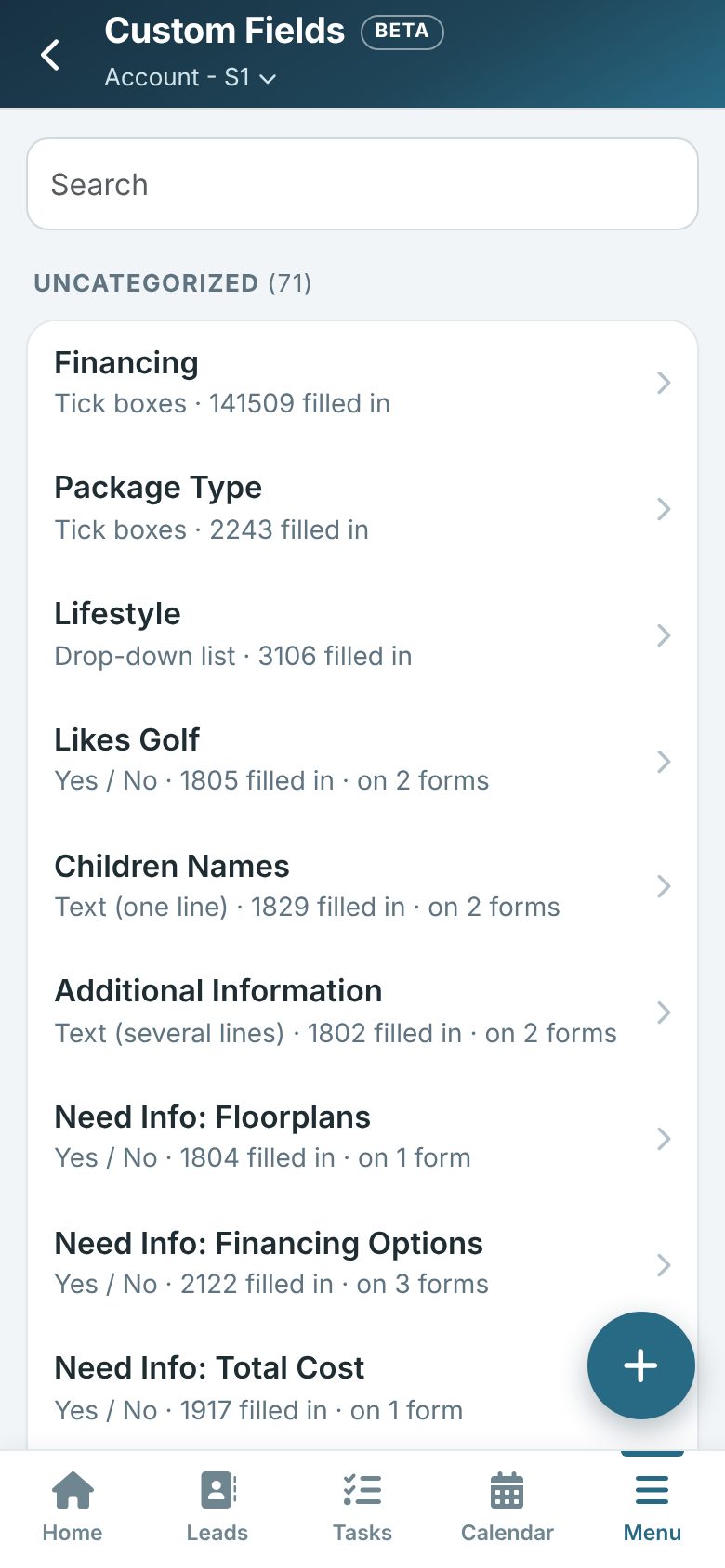
On your phone, tap More (or Menu) and then Custom Fields.
Fields are listed by category with their type, how many leads have them filled in and how many forms they are on.
- Tap + to add one: give it a name, choose its type and, for a list, its choices (one per line).
- Tap a field to rename it, change its choices or category, or change its type where that is allowed (for example a one-line text field can become a drop-down list).
- Delete removes the field and what every lead has in it. A field that is on a form cannot be deleted until it is taken off the form.
Types
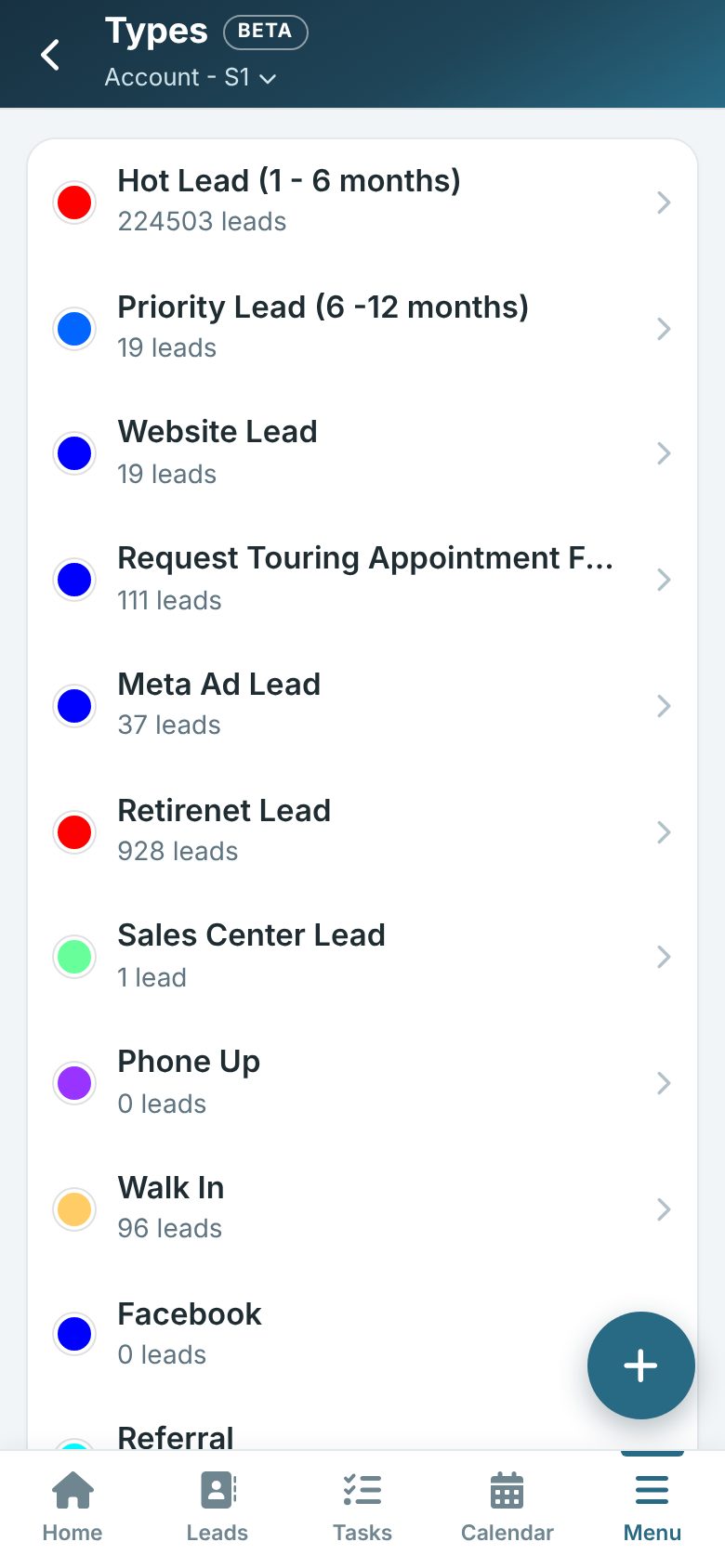
On your phone, tap More (or Menu) and then Types.
Each type shows its colour and how many leads have it. Tap + to add one, or tap a type to rename it, choose a new colour or delete it.
Tip: Adding needs the Add permission; changing and deleting needs the Manage permission, the same as on the computer.