Task settings on your phone
Choose whether a comment is needed to complete a task, the default priority and the default reminder.
On this page
Opening task settings
On your phone, tap More (or Menu) and then Task settings.
Only administrators see this.
Completing a task
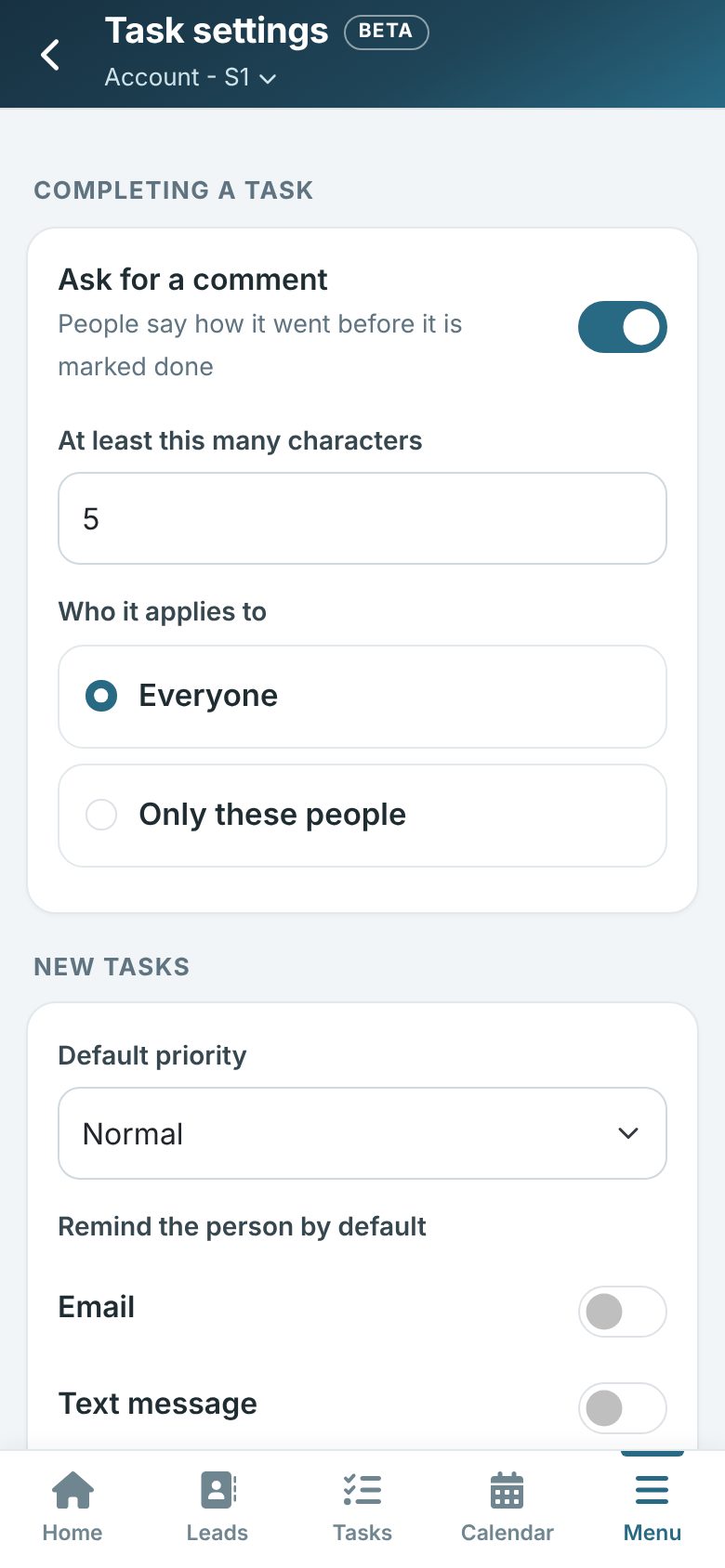
Turn on Ask for a comment to make people say how it went before a task is marked done. Choose how many characters it needs and whether it applies to everyone or only some people.
New tasks
Choose the default priority every new task starts at, whether people are reminded by email or text message by default, and when the reminder goes out. Tap Save.