Email setup on your phone
Connect Gmail or Outlook, and add, check and verify your sending domains, with their DNS records ready to copy.
On this page
Your mailbox
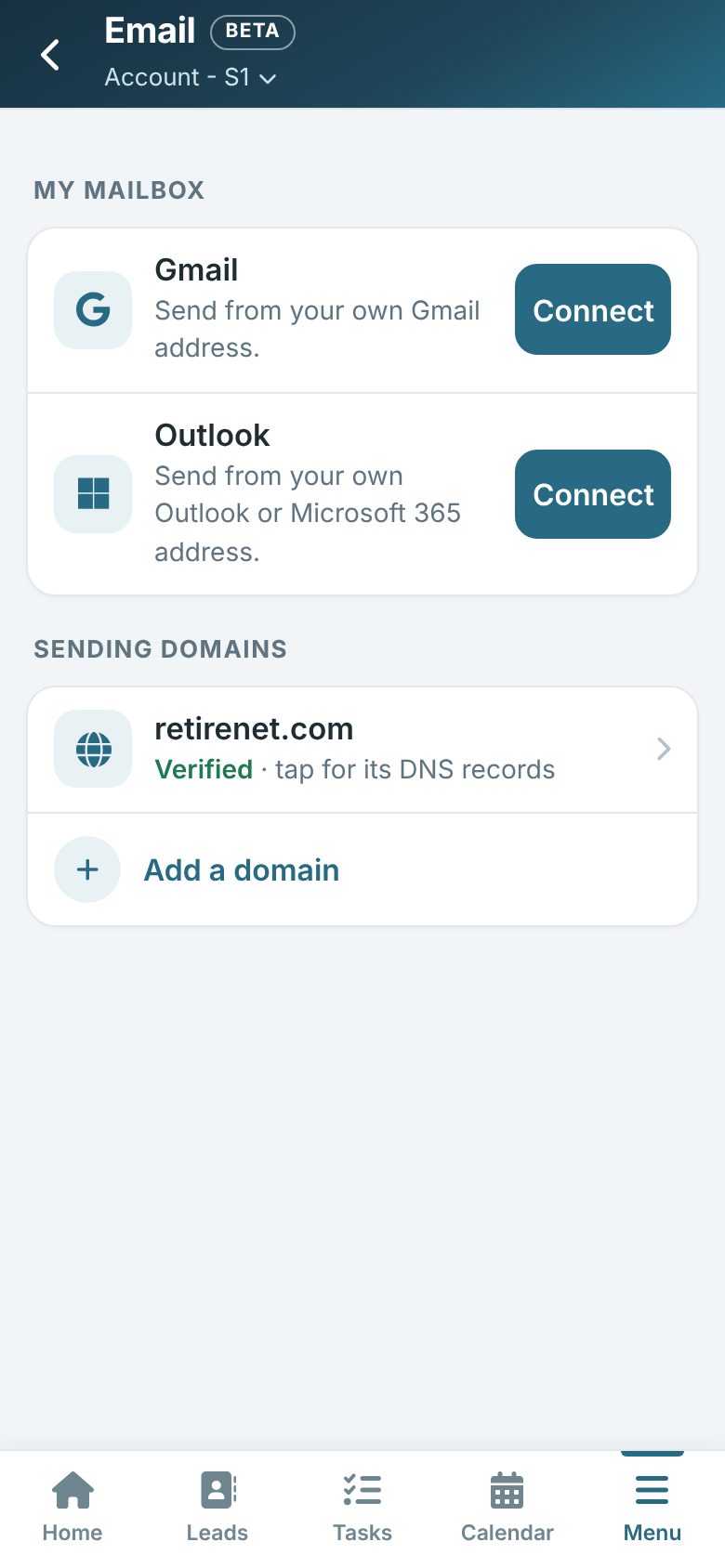
On your phone, tap More (or Menu) and then Email.
Under How your email goes out, tap Connect beside Gmail or Outlook and sign in, so your emails go out from your own address. Only one can be connected at a time. Check connection tests that it still works; Disconnect stops using it.
Domain authentication
A domain is the part after the @ in your email address. Verifying it makes your email trusted, so it lands in the inbox.
- Tap Add domain and type it in (free addresses such as Gmail can’t be added).
- Tap a domain to see its DNS records. Tap Copy beside each value and add it where your domain’s DNS is managed.
- Tap Verify. DNS changes can take a while, so try again later if it is not verified yet.
- Remove this domain takes it off (tap twice to confirm).