Apps and API on your phone
Connect your calendar and contacts, check Mailchimp and Constant Contact, stop Zapier triggers and revoke API keys.
On this page
Your calendar and contacts
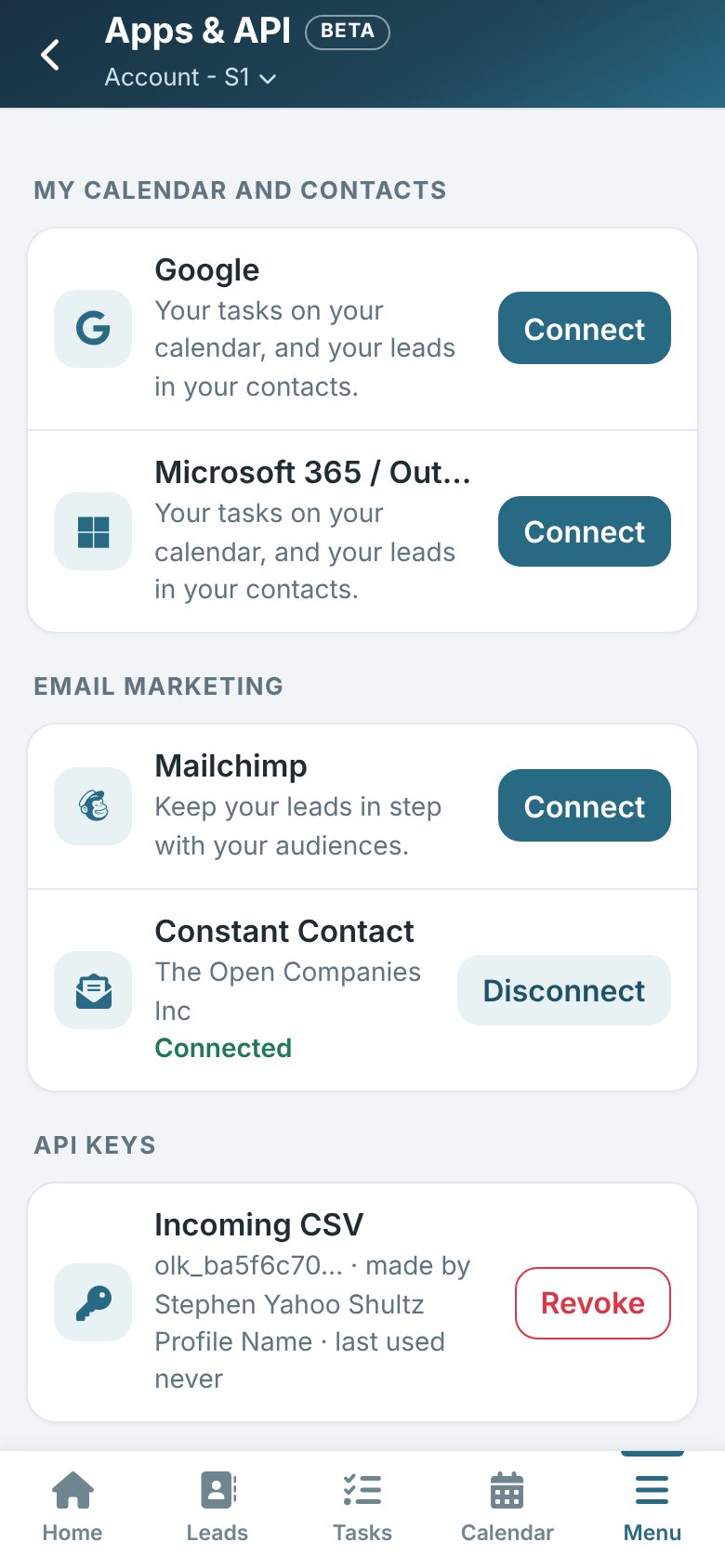
On your phone, tap More (or Menu) and then Apps & API.
Under My calendar and contacts, tap Connect beside Google or Microsoft 365 and sign in. Your tasks then show in your own calendar and your leads in your contacts. Tap Disconnect to stop; what is already there stays.
For administrators
- Email marketing: connect or disconnect Mailchimp and Constant Contact. If a connection stops working, tap Reconnect.
- Zapier triggers: see each trigger and when it last sent, and Stop one. Turn the Zap off in Zapier too.
- API keys: see each key, who made it and when it was last used, and Revoke one. Anything using it stops right away.